ALIN LI ACADEMY · FLAGSHIP COURSE
BRAVE in Open Computing.
Learn. Build. Share.
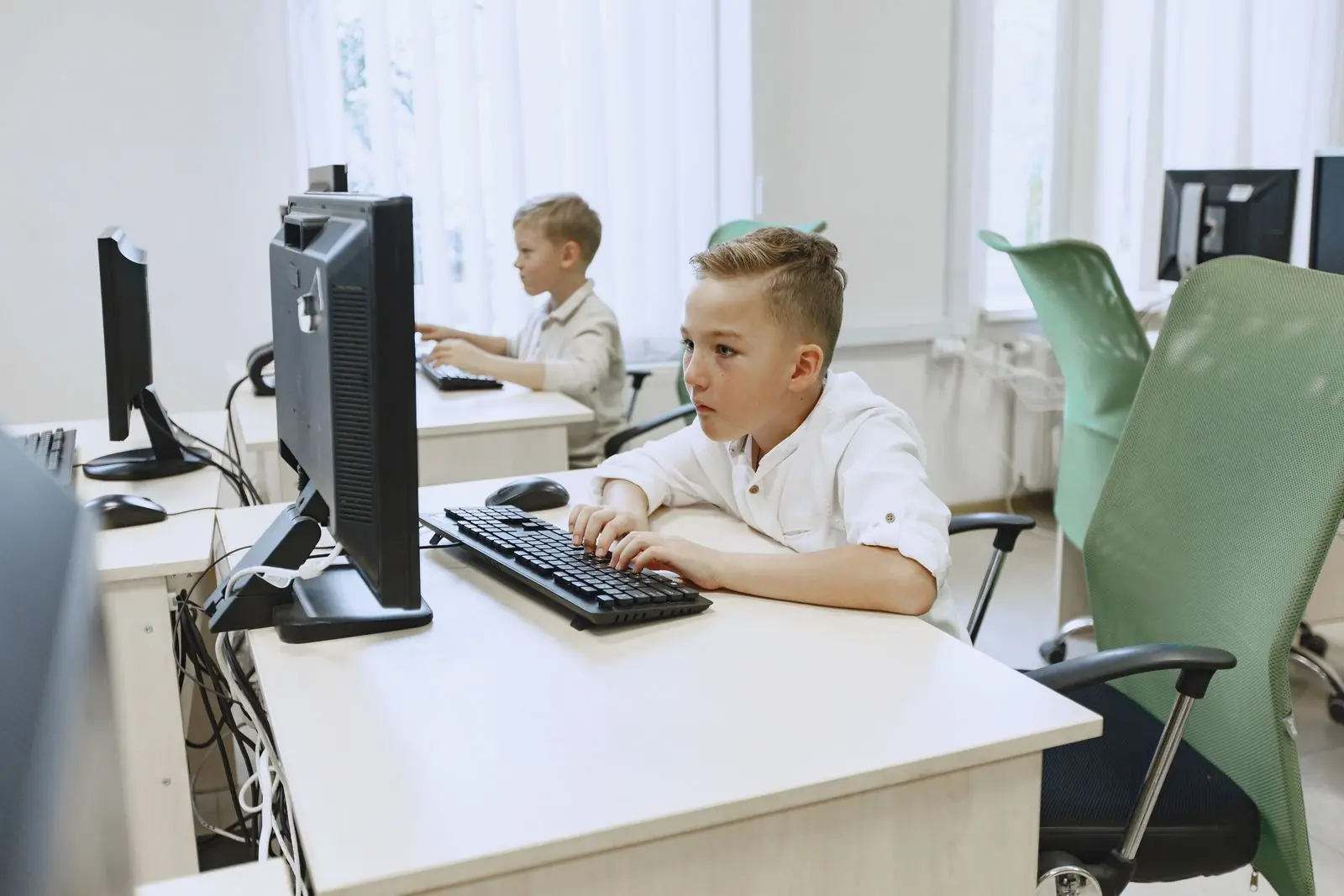
Learners aged 11 to 14, moving from elementary to middle school. Six days, about 90 minutes per session, in English and Arabic.
OPEN SOURCE IS FOR EVERYONE
Six days that make
the computer theirs.
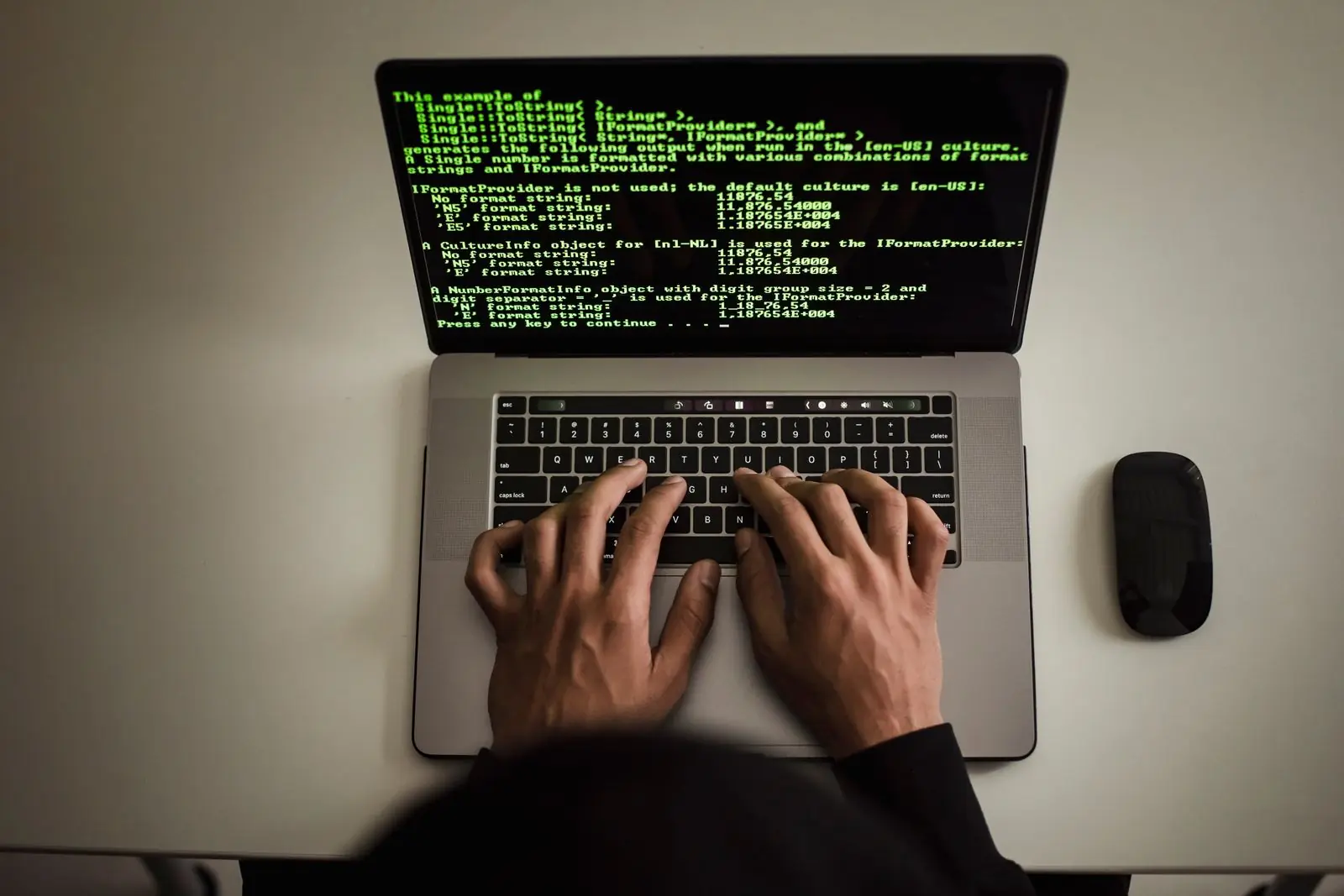
Learners discover open source, use professional open tools, take their first steps in the Linux terminal and finish by switching their own computer, with a certificate to show for it.
- Open source
- Secure
- Private
- Empowering
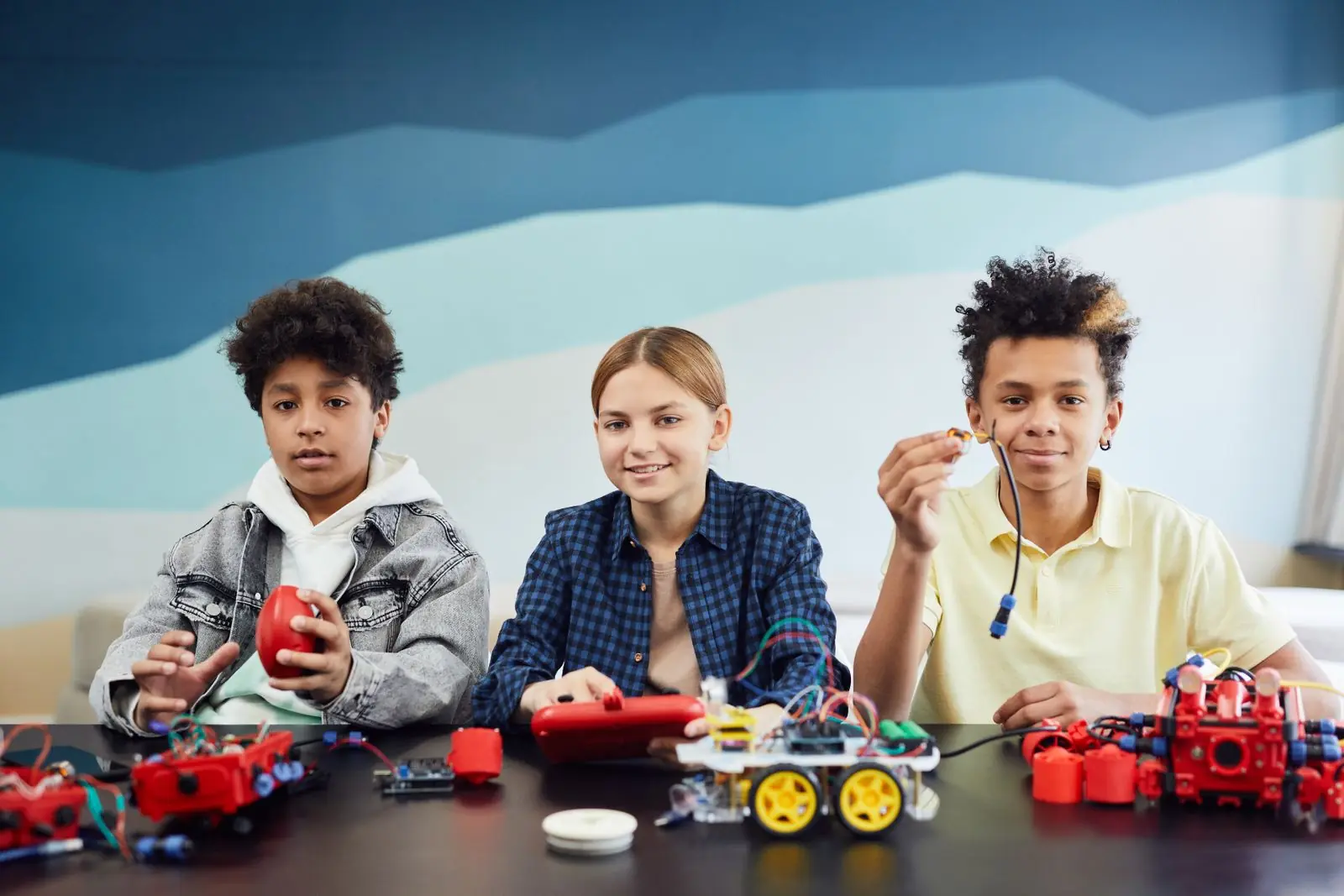
WHAT LEARNERS ENJOY
Six days of
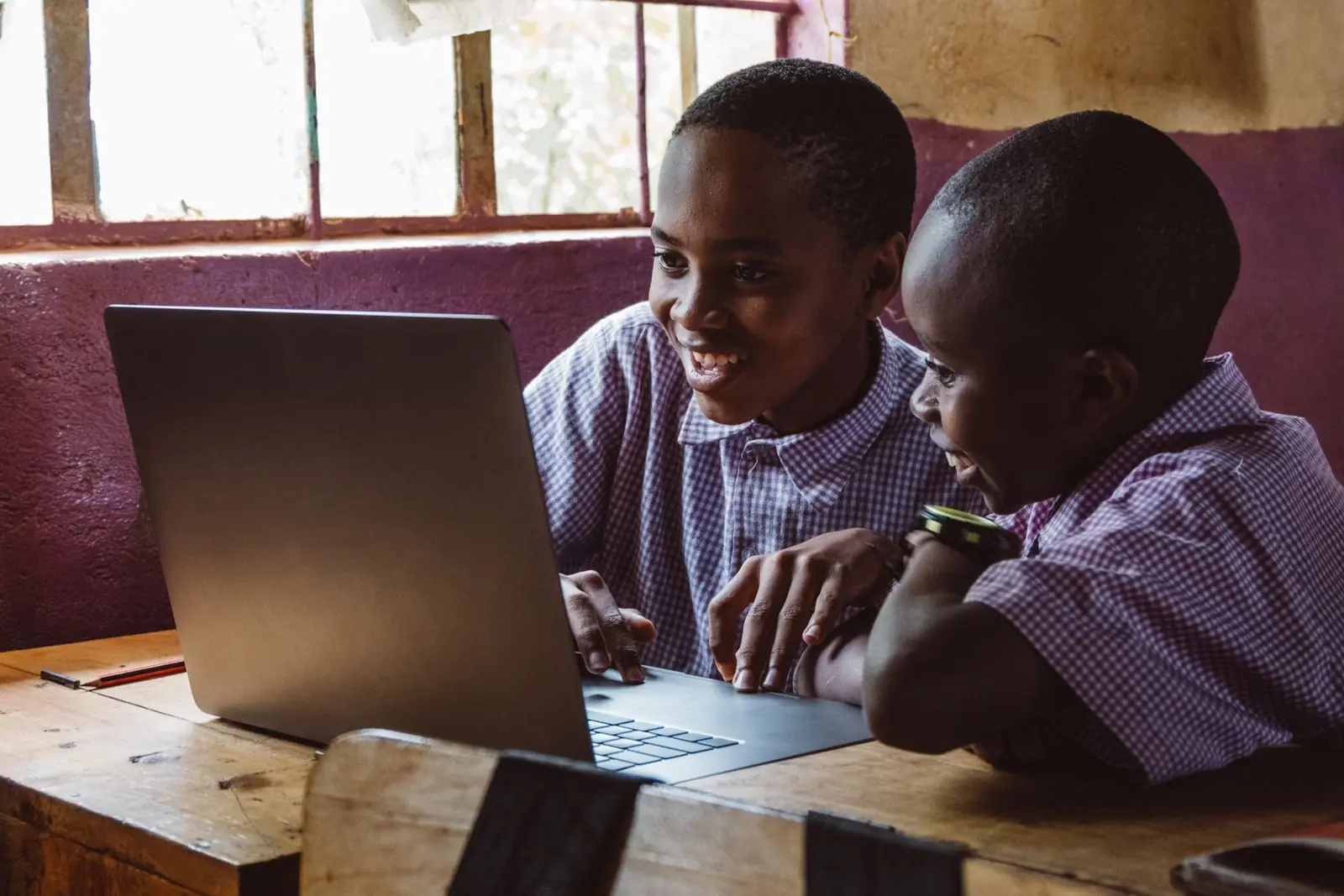
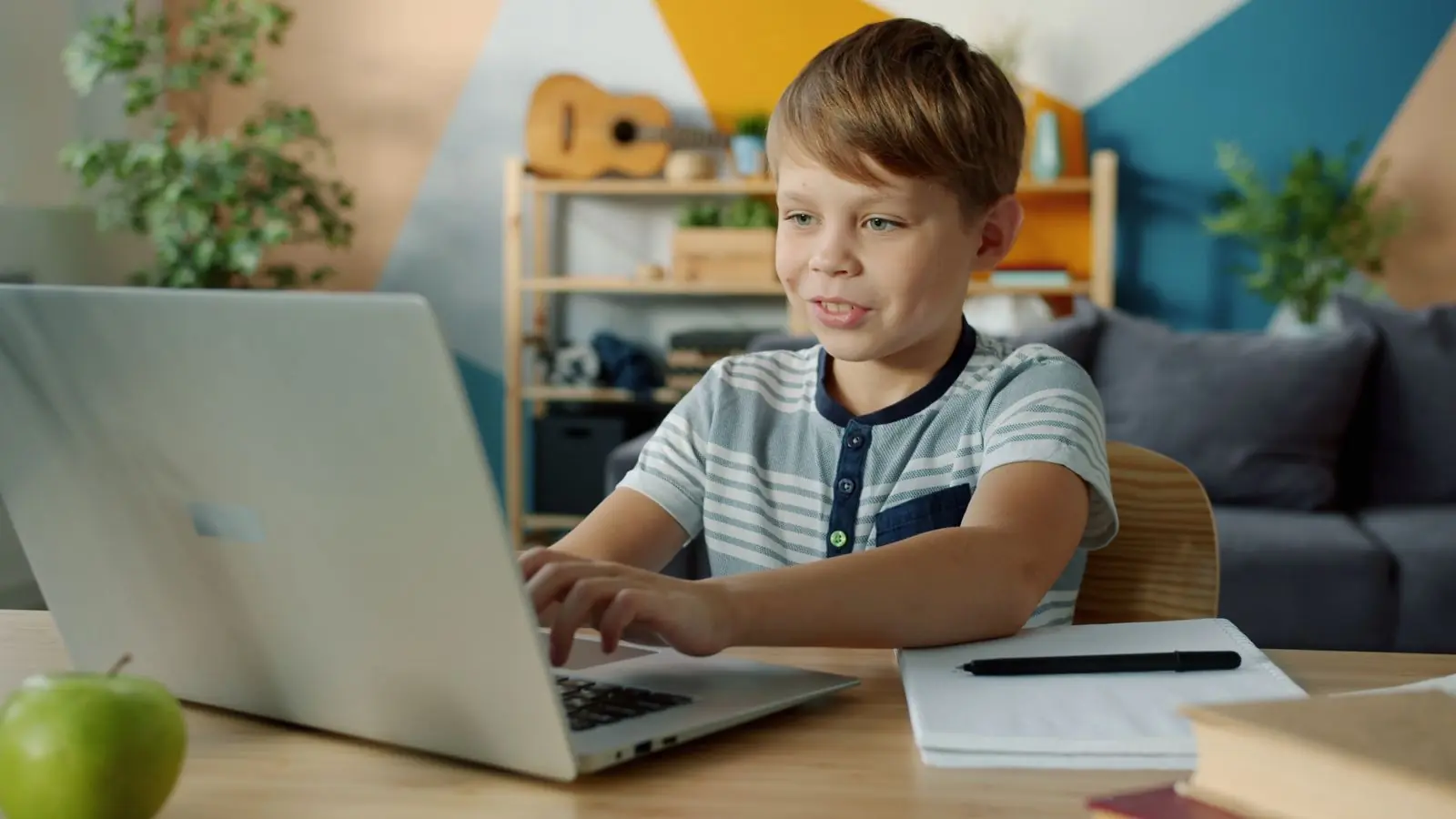
small wins.
Open computing is serious work, and it should also be a joy.
THE SIX DAYS
From curiosity
to certified BRAVE.
- Day 1
The world of open source
What a computer is, coding, what open source is, why it matters, its benefits and challenges.
Exploring Linux: by the end of the course, the computer will be yours.
- Day 2
Explore open-source software
Operating-system distributions, browsers and privacy, office suites, the software manager.
Cost analysis: how much a family or school saves in a year by switching.
- Day 3
The Linux terminal
Responsible and ethical computer use, navigation, files and folders.
A computer inside a computer.
- Day 4
Essential commands, part 1
sudo, apt, curl, less, grep and friends.
Fun command lines and free, safe games.
- Day 5
Essential commands, part 2
SSH and the firewall.
Connect a phone to a computer, safely, like a professional.
- Day 6
Guest day and graduation
A guest talk, revision, students present their work.
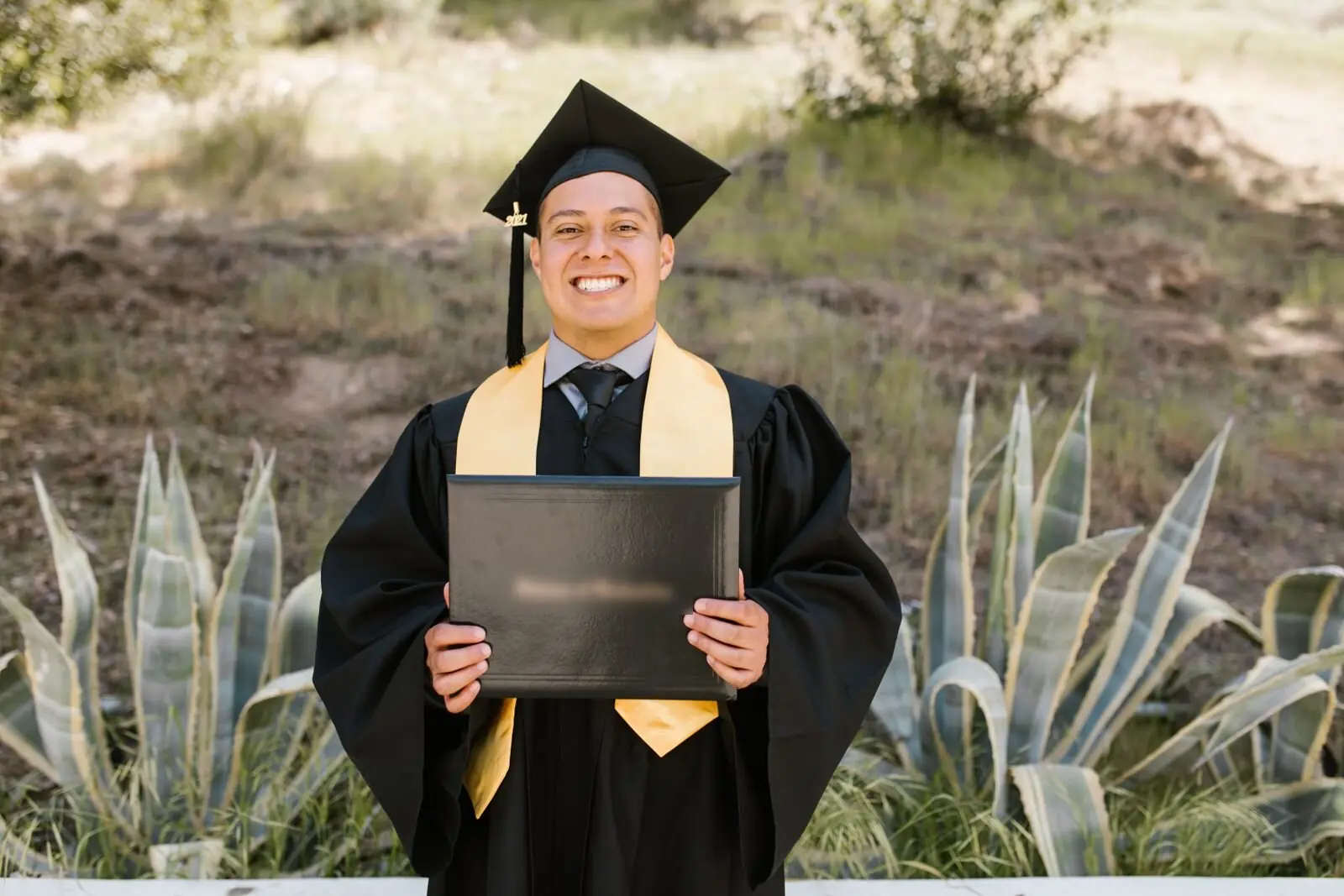
Certified BRAVEs: cake, photos and switching computers.
EVERY SESSION
The same rhythm,
every day.
- 01
Welcome
Welcome, and two learners explain something they tried
- 02
Recap of the previous session
Recap of the previous session
- 03
Two or three topics with hands-on activities
Two or three topics with hands-on activities
- 04
Conclusion and a quiz
Conclusion and a quiz, celebrating the top scorers
- 05
A small home task: explore one new open-source tool
A small home task: explore one new open-source tool
THE CERTIFICATE
Earned, numbered,
and signed.
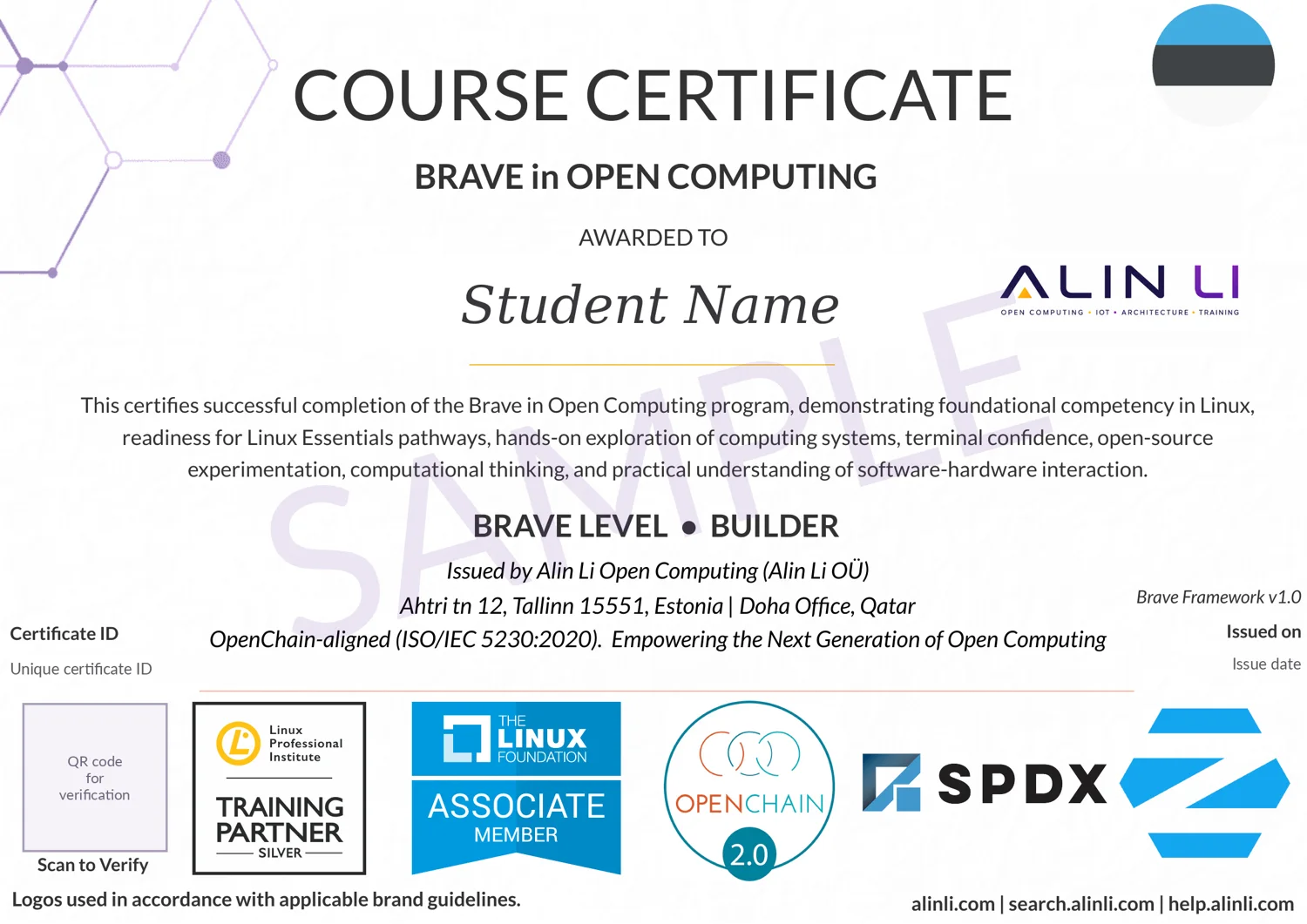
Learners who complete the programme receive an Alin Li certificate at their BRAVE level, issued under the BRAVE Framework v1.0. It records foundational competency in Linux and readiness for the Linux Essentials pathway, and carries a unique certificate ID and a QR code to verify it.
- Linux, the terminal and open-source tools, hands on
- Computational thinking and how software meets hardware
- A unique ID and a QR code for verification
The sample shows the design. The learner’s name, ID, date and QR code are left out.
Every course runs under Alin Li's bilingual child safety policy, with signed ethics and safety agreements for learners and parents.
STAY CURIOUS
Bring BRAVE to your school.
Tell us the number of learners, their age and the dates you have in mind.